
- Physical Examination
- Surgical Examination
- Ophthalmology
- Clinical Skills
- Orthopedics
- Surgery Videos
- Laparoscopy
- Pediatrics
- Funny Videos
- Cardiothoracic Surgery
- Nursing Videos
- Plastic Surgery
- Otorhinolaryngology
- Histology and Histopathology
- Neurosurgery
- Dermatology
- Pediatric Surgery
- Urology
- Dentistry
- Oncology and Cancers
- Anatomy Videos
- Health and Fitness
- Radiology
- Anaesthesia
- Physical Therapy
- Pharmacology
- Interventional Radiology
- Cardiology
- Endocrinology
- Gynecology
- Emergency Medicine
- Psychiatry and Psychology
- Childbirth Videos
- General Medical Videos
- Nephrology
- Physiology
- Diet and Food Health
- Diabetes Mellitus
- Neurology
- Women Health
- Osteoporosis
- Gastroenterology
- Pulmonology
- Hematology
- Rheumatology
- Toxicology
- Nuclear Medicine
- Infectious Diseases
- Vascular Disease
- Reproductive Health
- Burns and Wound Healing
- Kidney Zone Podcast
- Other
For Clinics — Patient Education You Can Prescribe
Your patients already leave the clinic and search for videos about their condition or procedure. MedicalVideos.com gives your team something better to hand them: a physician-founded library of more than 7,600 medical videos, plain-language condition guides, preparation guides and printable handouts — free to watch, no account needed, and screened topic by topic for clinic use.
This page is the clinic front door. Share a topic by QR code in the waiting room, paste a one-line link into an after-visit summary, or — as a partner — embed an ad-free playlist inside your own patient portal. No patient data is ever collected: everything here is education, measured only in aggregate.
Prescribe the link — the clinic workflow
Three ways to share, all using the same topic sets:
- QR handouts for waiting rooms and exam rooms. Print the topic handout, or display the poster: the patient scans the QR code with their phone and lands on the topic's guide or video set. Every QR points to a tracked link (
utm_source=clinic, utm_medium=qr), so you can see which topics your patients actually use — in aggregate, never per person. - After-visit summary (AVS) lines. Each topic carries a ready-made one-liner your team can save as a smart phrase / dot phrase in your record system and drop into discharge instructions — for example: “Watch: Starting dialysis — what your sessions will be like: medicalvideos.com/prepare/dialysis/”. Your own team adds the phrases; we never need access to your system.
- Direct links for portals and messages. The same tracked links work in portal messages, appointment reminders and your clinic's website, so a patient hears one consistent recommendation from your team.
A one-page staff sheet — “How to share MedicalVideos with your patients”, the 30-second version for nurses and front-desk staff — is included in the free clinic kit below.
Start with nephrology — topic sets ready now
The kidney set is mapped first, because it is our founder's specialty. Each set follows the same pattern: condition hub, preparation guide where one exists, printable handout, and the patient-facing videos in journey order. Clinician-only procedural footage is kept in a separate annex and is never mixed into a patient set.
- Condition hub
- Prepare guide — what to expect at your sessions
- Printable handout (PDF)
- Your AV fistula, explained
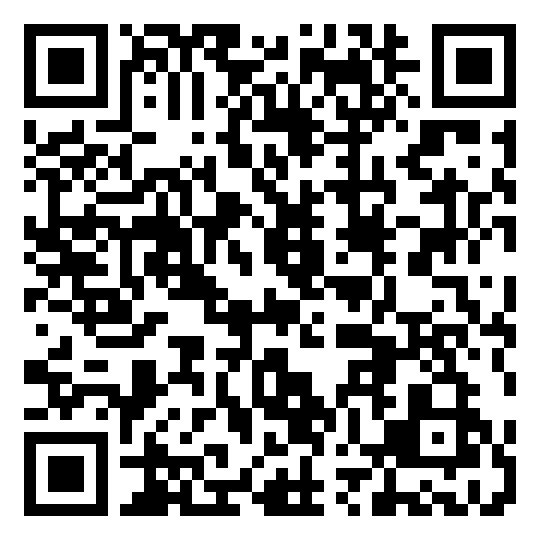 Scan: Dialysis — what to expect at your sessions
- Condition hub
- What is IgA nephropathy?
- Patient packet — visit checklist, kidney numbers log, low-salt kitchen card (PDFs)
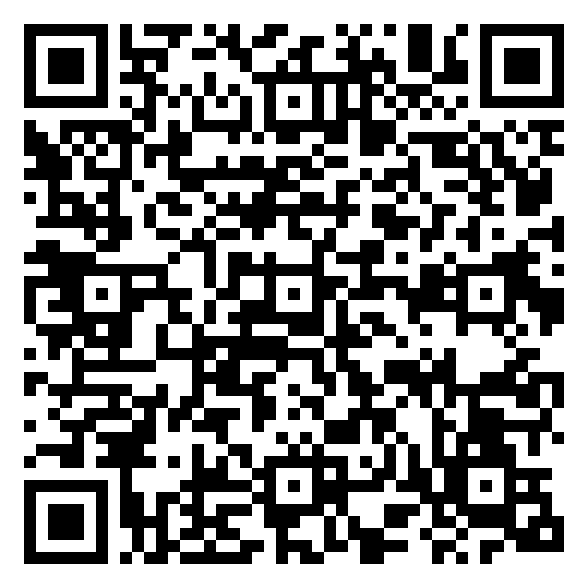 Scan: IgA Nephropathy hub
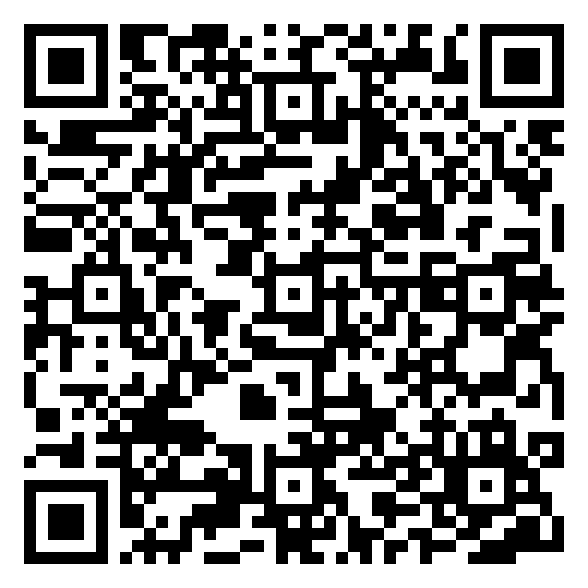 Scan: Kidney biopsy — prepare guide
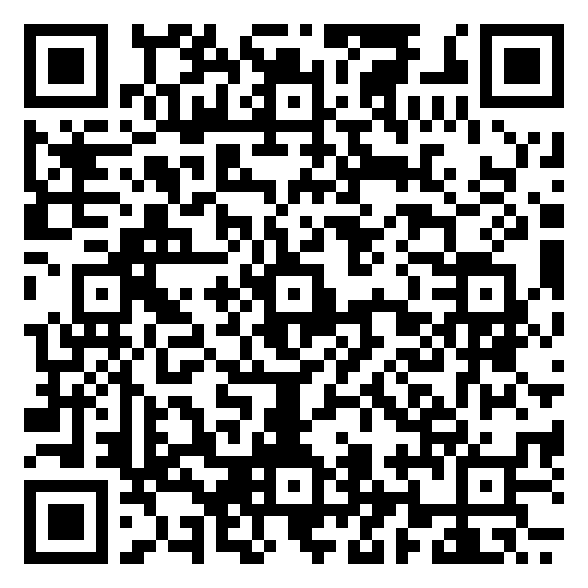 Scan: Kidney transplantation hub
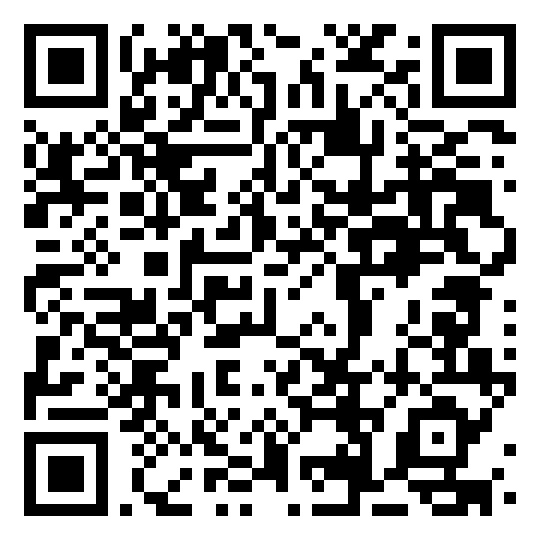 Scan: eGFR calculator
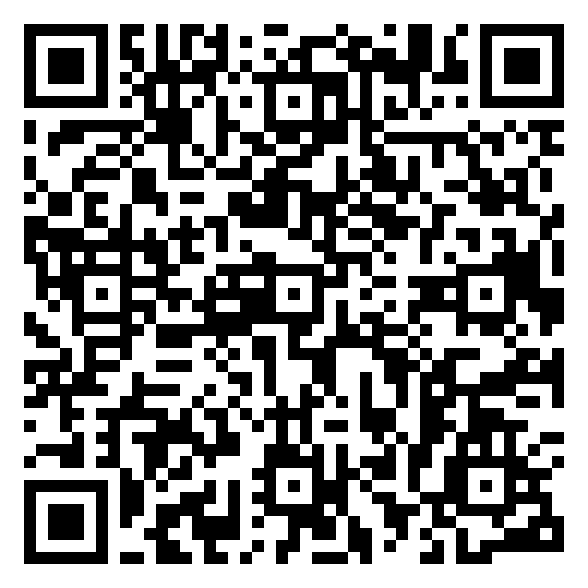 Scan: Hypertension hub
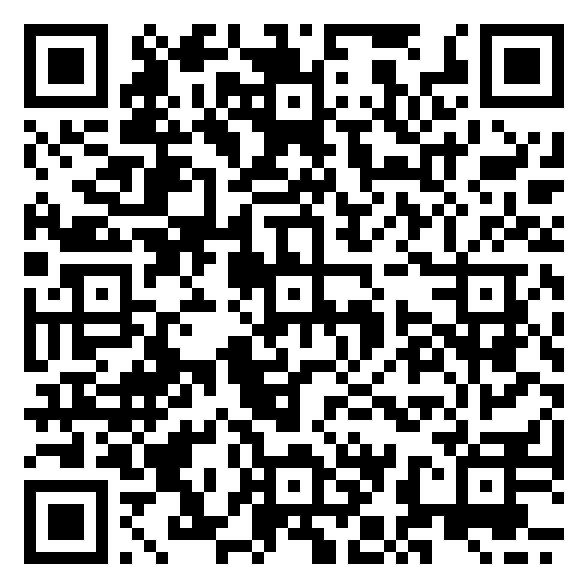 Scan: Kidney stones hub
More topics follow the same pattern — the full library covers 21 condition hubs, 16 preparation guides and 67 printable handouts. Ask us about a topic you do not see here.
MedicalVideos for Partners — the embed kit
For clinics and health systems that want the library inside their own walls, the partner kit turns each topic set into a product your web team can install in an afternoon:
- Ad-free topic playlists. A clean player page per condition or procedure — no advertising and no site chrome, because neither belongs in a clinical setting. Captions are on wherever the video has them, and the education disclaimer is rendered in-frame.
- Co-branding. Your clinic's name and logo in the frame header. One line always stays: “Patient education by MedicalVideos.com — founded 2007 by Dr. Mohamed Ibrahim, MD, PhD.”
- Snippet generator. Pick a topic, get a ready-to-paste iframe snippet for your patient portal or website. The basic tier needs no account.
- JSON topic feeds. Prefer to build your own interface? Each topic publishes a machine-readable feed — title, watch URL, duration, thumbnail and clinical topic codes (ICD-10 / CPT) — so larger partners can pull content into their own portals programmatically.
- Aggregate reporting. Plays and top topics for your organisation, in aggregate only. No individual tracking, ever.
Every feed item is screened for clinic use before it is published to partners. Content that is public on the open site but not appropriate for a clinic setting stays out of the partner feeds.
Licensing and pilots — how working with us works
- Start free. Linking, QR handouts, printed handouts and AVS lines are free with attribution, for any clinic, from day one. Most clinics start here.
- Run a pilot. We are onboarding a small number of pilot partners — dialysis and transplant clinics first — with the full nephrology embed set, the staff one-pager and a named contact. A pilot runs about 30 days.
- Read the results together. After the pilot we review the aggregate numbers with you: embeds live, plays, and the topics your patients used most.
- Decide on a licence. The partner tier (co-branded ad-free embeds, JSON feeds, aggregate usage reports) is licensed annually per organisation. Pricing is set after pilot feedback and confirmed with you before any charge — there is nothing to sign to start a pilot conversation.
A short partner terms page will accompany the first pilot agreements, covering attribution, the education-only nature of the content, and the no-patient-data guarantee above.
Questions from clinics
Does it cost anything for a clinic to link to or share MedicalVideos.com content?
No. Linking, printing the QR handouts and pasting the after-visit summary lines are free, with attribution. The partner tier — co-branded, ad-free embeds and machine-readable topic feeds under an annual licence — is priced after the pilot period, with pilot clinics told the terms before anything is charged.
Does MedicalVideos.com collect any patient data through these links or embeds?
No. There are no patient accounts, no sign-up and no tracking of individuals. Clinic links carry simple topic tags so we can report aggregate counts — for example, how many people opened the dialysis guide from clinic materials — and nothing that identifies a patient.
Can we put the videos inside our own patient portal or website?
Yes — that is the partner embed kit. Each topic has a clean, ad-free player page with captions where available and an in-frame education disclaimer, which can carry your clinic's name in the frame header. A ready-to-paste snippet and a JSON topic feed are part of the partner set; contact us to enable them for your organisation.
How do the QR handouts and after-visit summary lines work?
Each topic has a printable handout and a QR code for waiting-room posters and exam rooms, plus a one-line text your team can save as a smart phrase or dot phrase in your record system and paste into after-visit summaries. Your own team adds the phrases to your system — we never need access to it.
Who reviews the content, and is it medical advice?
MedicalVideos.com was founded in 2007 by Dr. Mohamed Ibrahim, MD, PhD, a transplant nephrologist. Content offered to clinics is screened for clinic use and is education only — it explains conditions and procedures in plain language and is not medical advice. It supports, and never replaces, your care team's own instructions.
Which topics are available first?
The nephrology set is ready first: dialysis, IgA nephropathy, kidney biopsy, kidney transplantation, kidney stones, hypertension and chronic kidney disease monitoring. The remaining condition topics on MedicalVideos.com follow in the same format.
Download the free clinic kit
Everything a clinic needs to start today — no sign-up, no charge. Print the posters, save the visit-summary lines as smart phrases, and hand the one-pager to whoever approves materials for your waiting room:
- Clinic one-pager (PDF) — what this is, the tiny ask, and how the free pilot works.
- Poster — Starting dialysis (PDF) — QR poster for the waiting room: what to expect at your sessions.
- Poster — Your AV fistula (PDF) — QR poster: how a fistula works and how to look after it.
- Poster — Dialysis, explained (PDF) — QR poster to the dialysis hub.
- After-visit summary lines (PDF) — the three paste-ready dialysis lines for discharge paperwork.
Every QR code in the kit carries a clinic tag, so usage shows up in aggregate counts only — never per patient.
Talk to us
MedicalVideos.com — founded 2007 by Dr. Mohamed Ibrahim, MD, PhD (Assistant Professor of Transplant Nephrology, University of Maryland School of Medicine). Patient education by clinicians, for the people they treat.
Educational only — not medical advice. The videos, guides and handouts linked from this page explain conditions and procedures in general terms; they do not replace the instructions of a patient's own care team, and nothing here creates a doctor–patient relationship. Clinics remain responsible for the advice they give their own patients.
Medical Videos
Free medical and surgery videos for patients, students and professionals — trusted since 2007.
Founded by Dr. Mohamed Ibrahim, MD, PhD — physician-scientist.
Follow us on Facebook · Instagram